 ChatPick
Find your way
through AI chats.
Jump to an earlier question, find a section in its answer, or save the conversation as Markdown or PDF.
Features
-
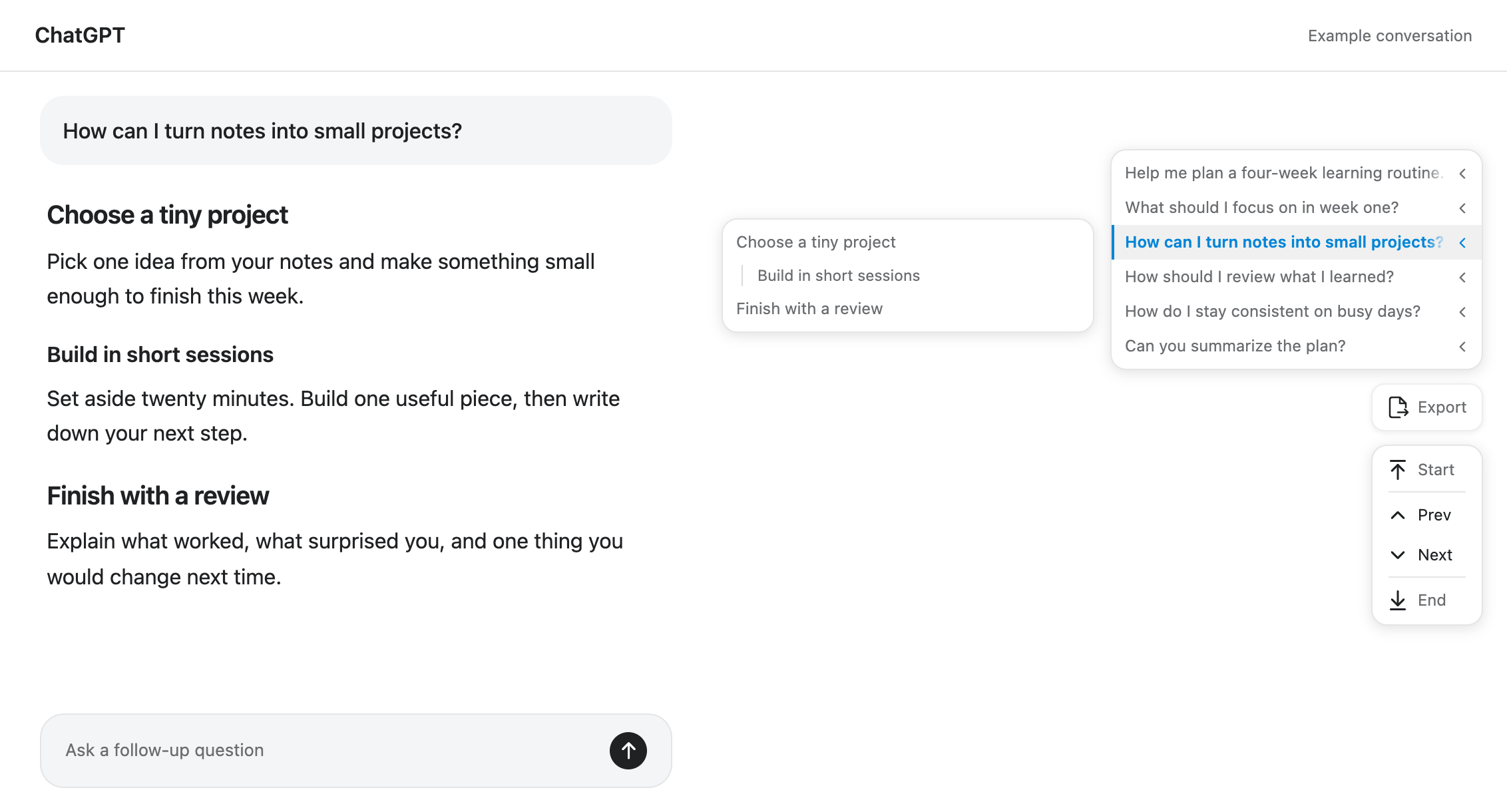
Find an earlier question
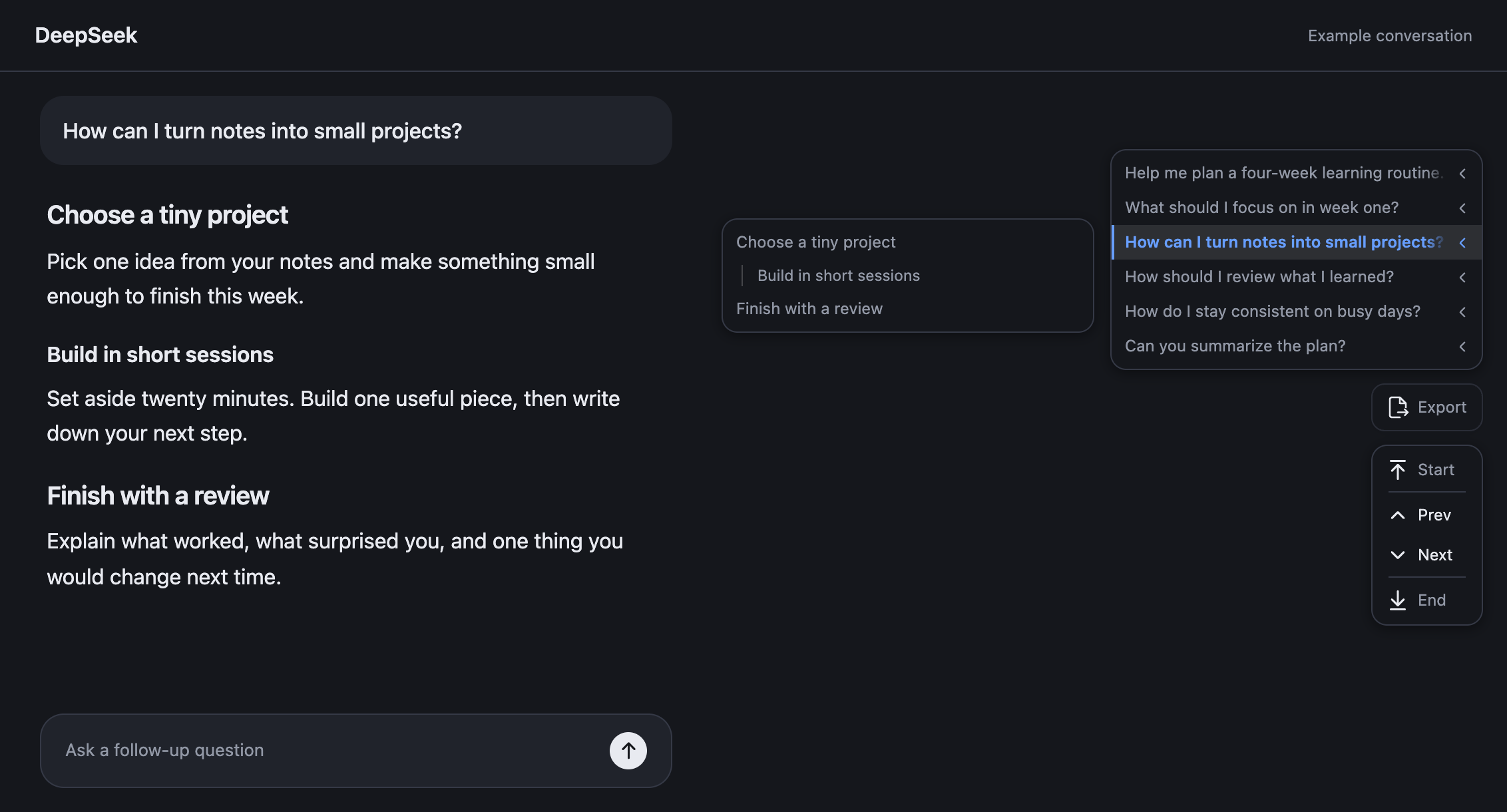
Choose a question from the directory to return to that part of the conversation. Even repeated questions have their own place.
-
Go straight to an answer section
Open a question’s answer headings, then select the section you want to read. Long replies become easier to revisit.
-
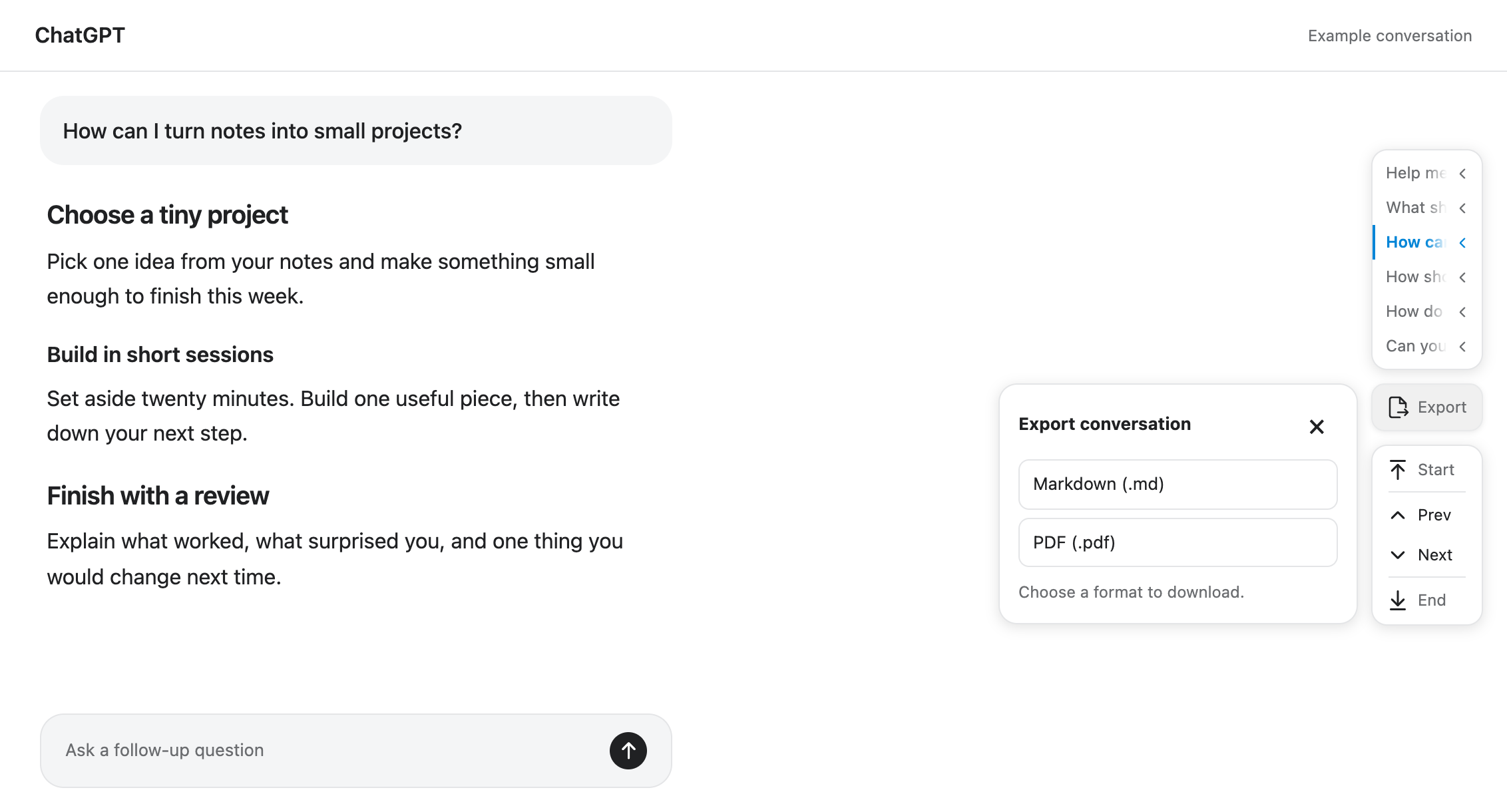
Save as Markdown or PDF
Download a conversation to read, search or keep in your notes. If some content is missing, ChatPick tells you before downloading.
-
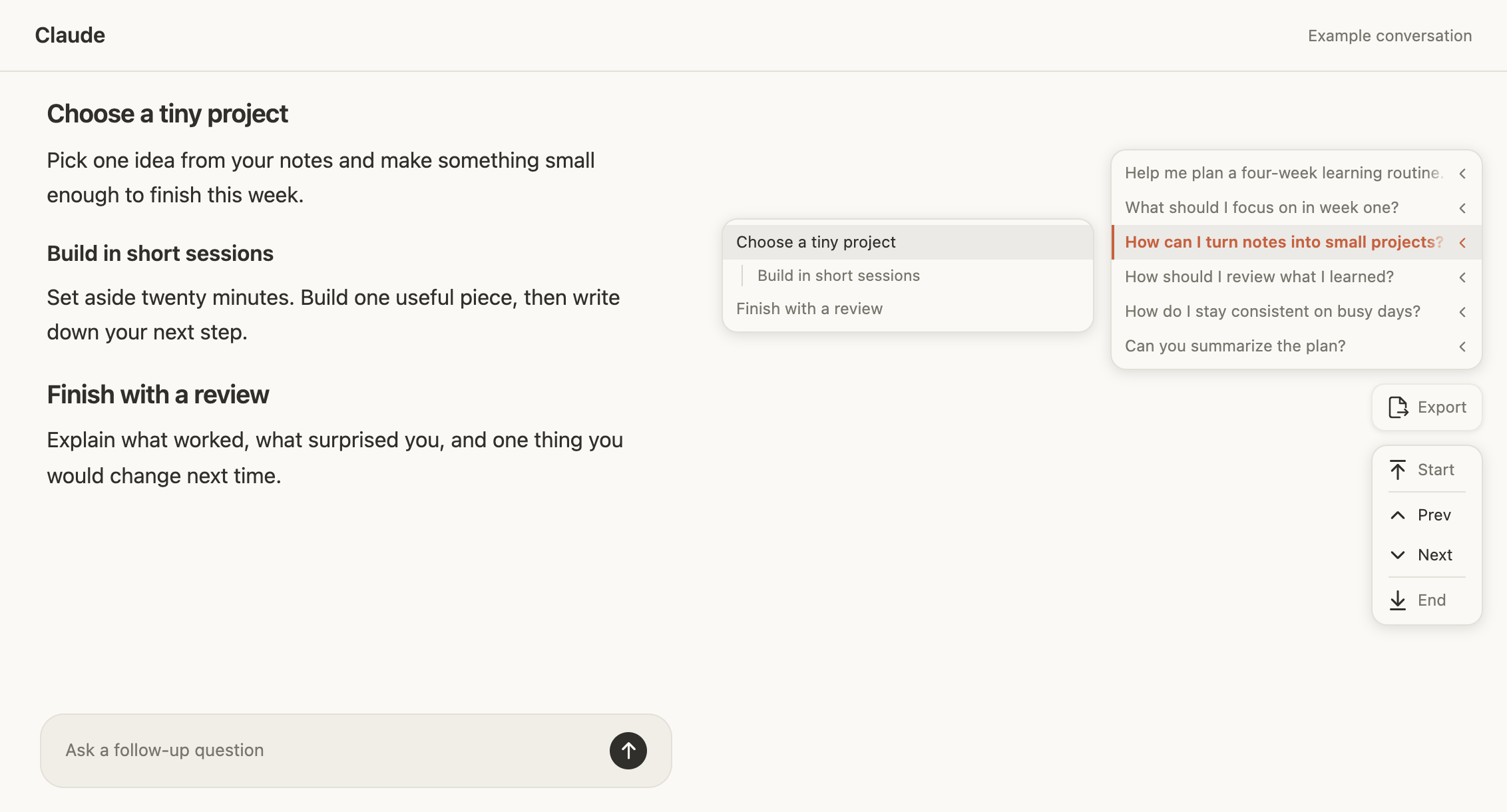
Match your chat’s appearance
Follow the website’s colors, choose a light or dark appearance, and use English or Chinese. You can turn ChatPick off for any supported website.
Works with your AI chats









Privacy
Your chats stay in your browser.
ChatPick uses your existing sign-in to read the current conversation. Your chat content is never sent to the developer.
Read the privacy policy- No analytics or advertising
- Only preferences are saved
- Exports are generated locally
Frequently asked questions
Does it work on every page?
ChatPick appears on supported saved conversation pages. It stays out of home pages, settings, project overviews and shared links. Sign in to your chat provider as usual.
Can I turn it off for a website?
Yes. Each supported website has its own enable switch, and all are enabled by default. Turning it off restores any native navigation ChatPick had replaced.
Will every answer have a section menu?
Only answers with headings have a section menu. Questions are still available in the directory.
What is included in an export?
Text is saved as Markdown or PDF. Images and attachments are represented by text notices. If history is unavailable or a reply is still generating, the export is marked as partial.
Get ChatPick
Choose your browser.